Why Your Squarespace Website Isn't Showing Up on Google
(And How to Fix It)
You built the website. You chose the template, agonised over the fonts, got the photos just right, and hit publish feeling pretty good about yourself. Then you typed your business name into Google and... nothing. Or worse, you're on page four, sandwiched between a competitor from 2011 and a Reddit thread that has nothing to do with you.
If that's you, welcome to the club. It's a big club. And the good news is that most of the reasons Squarespace websites don't show up on Google are completely fixable. You just need to know what you're actually looking at.
Let's get into it.
First: Is it a Squarespace problem or an SEO problem?
This is the first question worth asking, because Squarespace gets a bad reputation it only partially deserves.
The platform actually handles several technical SEO basics for you automatically: SSL certificates, mobile responsiveness, XML sitemaps, and clean URL structures. Compared to building a site from scratch, that's a solid starting point. The problem isn't usually what Squarespace does. It's what it doesn't do, and what most people never think to set up.
So no, it's not Squarespace's fault your site isn't ranking. But it's also not going to rank itself. Here's why.
Reason 1: Google doesn't know your site exists yet
This sounds basic, but it catches a lot of people out. Publishing your website doesn't automatically tell Google to go and look at it. Google finds new pages by crawling, following links around the internet like a very determined spider, and if nobody is linking to your new site yet, it might not find you for weeks.
The fix: Go to Google Search Console (it's free), add your website as a property, and submit your sitemap. In Squarespace, your sitemap lives at yourdomain.com/sitemap.xml. Submitting it tells Google exactly which pages exist and asks it to come and index them.
While you're in Search Console, use the URL Inspection tool to request indexing on your most important pages individually. It speeds things up significantly.
Reason 2: Your page titles are doing nothing for you
Your page title is the clickable blue link that appears in Google search results. It's also one of the strongest signals Google uses to understand what your page is about, and most Squarespace sites have titles that are either totally generic or stuffed with the business name and nothing else.
If your homepage title is just "Home — [Your Business Name]" or "[Your Business Name] | Design Services", Google has very little to go on. It doesn't know what you do, who you do it for, or where you are.
The fix: Go into each page's SEO settings in Squarespace and write a specific, descriptive title for every page. A good formula is: Primary keyword + location or niche + business name. For example, "Brand Designer Bathurst NSW | Lauren Bird Design" tells Google and the human reading the search results exactly what they're going to get.
Keep it under 60 characters so it doesn't get cut off in the results.
Reason 3: You have no meta descriptions, or terrible ones
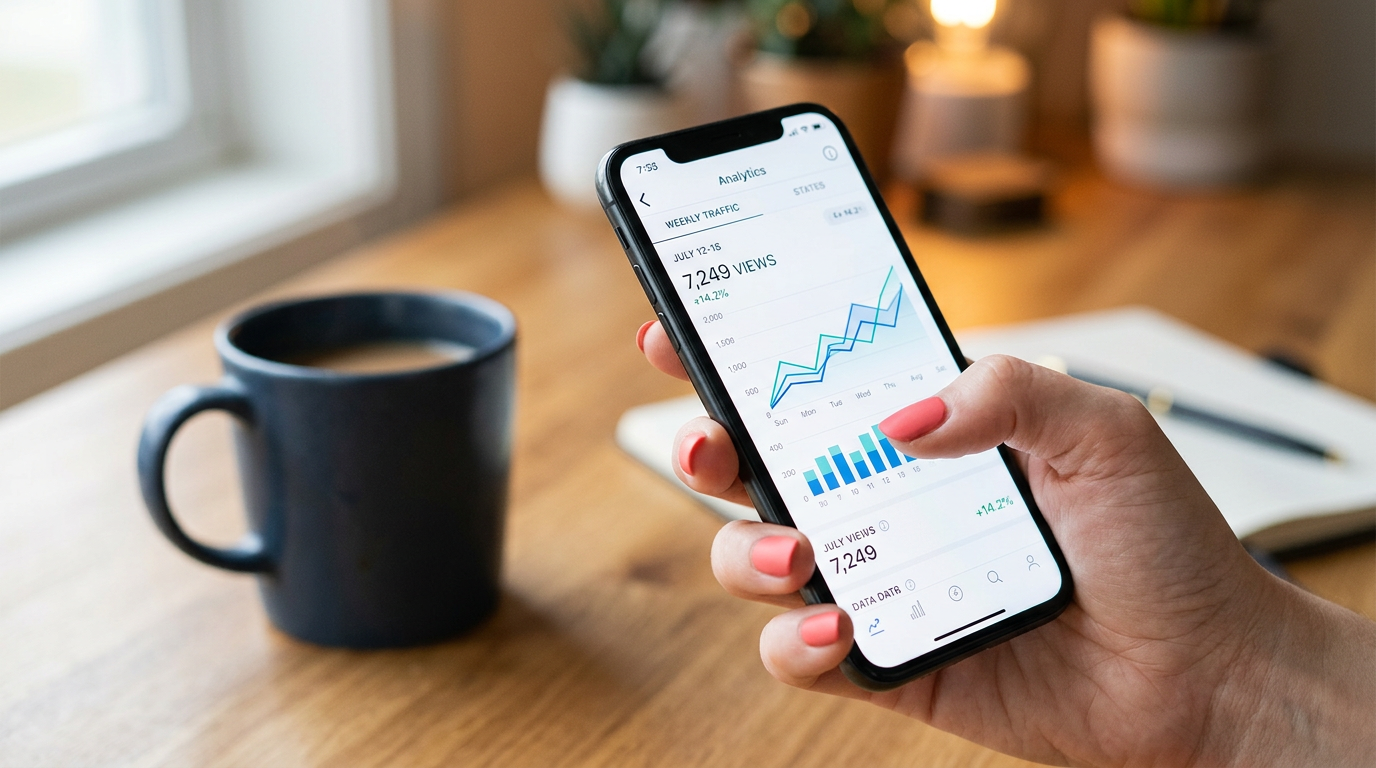
The meta description is the two lines of text that appear under your title in search results. Google doesn't use it as a direct ranking signal, but it absolutely affects whether people click on your result or the one below it. A higher click-through rate signals to Google that your result is relevant, which does affect your ranking over time.
Most Squarespace sites either have no meta description at all (Squarespace will just grab random text from the page, which is often a navigation item or something completely useless) or they have one vague, generic description applied across every page.
The fix: Write a unique meta description for every main page. Make it sound like a human wrote it, because a human reading it will decide whether to click. Tell them what's on the page, who it's for, and give them a reason to choose your result over the nine others on the page. Aim for 150 to 160 characters.
Reason 4: You're not telling Google where you are
This one is massive for small and regional businesses, and it's almost always missed.
If you want to show up when someone in your area searches for your service, Google needs to know where you are. That means your location needs to appear naturally in your page copy, your title tags, and ideally in your metadata. "Regional designer" is not a location. "Bathurst, NSW" is.
The fix: Add your location naturally into your homepage copy, your about page, and your services pages. Not awkwardly stuffed in everywhere, just present and clear. Then set up and optimise your Google Business Profile. This is a separate listing that appears in Google Maps and the local results panel, and it's arguably more powerful than your website for local searches. Fill it out completely: services, photos, service area, opening hours, and most importantly, start collecting reviews.
Reason 5: Your page content is too thin
Google is trying to serve its users the most useful, authoritative result for any given search. If your page has one paragraph of text and three images, it doesn't have much to assess. Thin content pages, especially service pages and portfolio pages, frequently get ignored in favour of pages that actually answer a question thoroughly.
This doesn't mean you need to write an essay on every page. It means each page should have enough substance to demonstrate that you know what you're talking about. A service page should explain what you do, who it's for, what the process looks like, and what someone can expect. A portfolio page should tell the story of the project: the challenge, what you built, and the result. Not just a pretty picture with a caption.
The more useful your content is to the person reading it, the more Google will trust it.
Reason 6: Your images are slowing everything down
Page speed is a ranking factor, full stop. And the single biggest cause of slow Squarespace websites is oversized images. Beautiful, high-resolution photos that look stunning but take five seconds to load on a phone.
Google knows when your page loads slowly. More importantly, your visitors know. The average person will wait about three seconds before giving up and going back to the search results. If your homepage hero image is a 4MB JPEG, you're losing people before they've even seen your headline.
The fix: Compress every image before you upload it. Tools like Squoosh, TinyPNG, or ImageOptim will reduce file sizes dramatically without any visible loss in quality. Aim for under 200KB for most images, under 500KB for large hero shots. Save them in WebP format if possible. It's smaller than JPEG and supported by all modern browsers and Squarespace.

Reason 7: You have no structured data
This one is more technical but worth knowing about. Structured data, also called schema markup, is a small piece of code that tells Google exactly what kind of business you are, where you're located, what your phone number is, and what services you offer. It's like handing Google a business card rather than making it figure everything out by reading your website.
Squarespace doesn't add this automatically. But you can add it yourself via Settings → Advanced → Code Injection, using a free JSON-LD schema generator. For a local service business, LocalBusiness schema is the one to start with. It directly supports your chances of appearing in the local results panel and Google Maps.
The honest truth about Squarespace SEO
Squarespace is a genuinely good platform for small businesses. It produces clean, fast, mobile-friendly websites without requiring you to know how to code. But it won't do your SEO for you, and the default settings are not optimised for search visibility.
The businesses ranking well on Squarespace aren't ranking because of the platform. They're ranking because someone took the time to get the foundations right: proper title tags, real content, local signals, and a Google Business Profile that tells the full story.
None of it is complicated. It's just not automatic.
If you've been wondering why your beautiful Squarespace site is invisible on Google, now you know. And more importantly, now you know exactly what to do about it.
Lauren Bird is a brand and web designer based in Bathurst, NSW, with 19+ years of experience helping founder-led businesses build brands and websites that actually work. If your Squarespace site needs an SEO overhaul, get in touch.